Blog
Google Ads match types: broad, phrase and exact
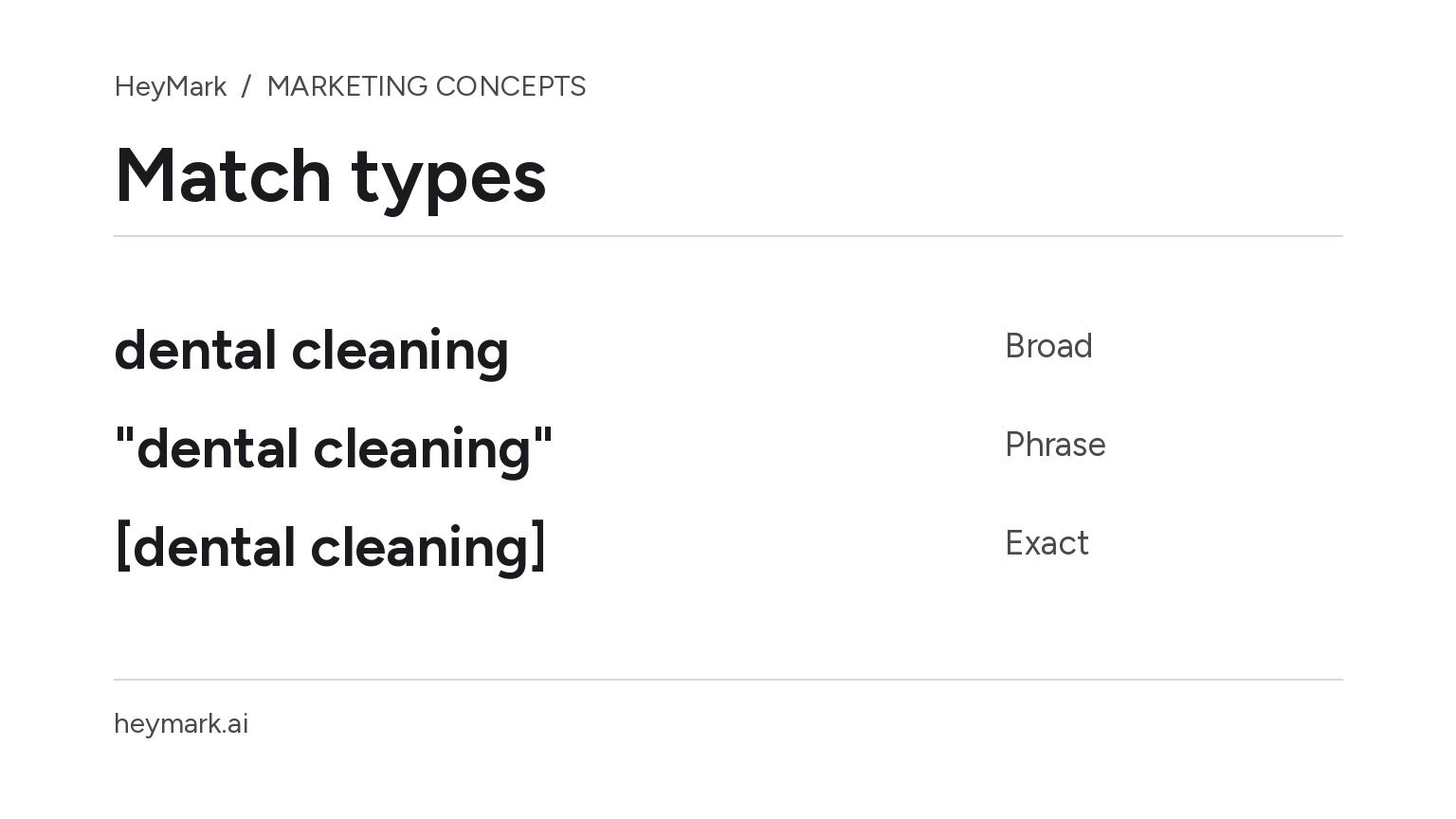
Keyword match types determine how closely a search may relate to your keyword for an ad to be considered in an auction. Google Ads offers broad, phrase, and exact match. The names do not guarantee that a search will repeat the same words: Google also considers meaning and intent.
One service, three possible reaches
Suppose a dental clinic offers dental cleanings. As a hypothetical, it adds the keyword dental cleaning:
- Broad match: may consider related searches, even without the exact words. Google says it may use recent search activity, the landing page, and other keywords in the ad group. A search about oral hygiene could be considered related, but there is no guarantee it will trigger the ad.
- Phrase match: may consider searches that include the meaning of the keyword, with narrower reach than broad and wider reach than exact. A query can add detail while keeping that intent, such as looking for a nearby dental cleaning, depending on context.
- Exact match: may consider searches with the same meaning or intent, even when the wording differs. It offers more relative steering, but reaches fewer searches than phrase or broad.
The clinic should not assume each example will trigger its ad. Eligibility also depends on campaign settings and the auction; the search terms report is where advertisers can review queries that triggered ads. A narrower match may help when control matters. Broader reach may uncover relevant queries, but calls for reviewing relevance and results.
Choose without confusing the terms
Start with the need the landing page actually serves. If the clinic only offers cleanings, a broad keyword needs particular care: a related query may concern a need the clinic does not meet. The page should describe the real procedure and its conditions, without promising treatments the clinic does not provide.
Use phrase when you want an intermediate reach, and exact when you prefer to limit matching to searches with the same meaning or intent. These are not absolute literal controls. Google considers close variants across match types; for exact, these can include synonyms or paraphrases with the same intent. Compare the settings with searches that actually appear, and exclude irrelevant ones with negative keywords. Negatives follow different rules, covered in the guide to Google Ads negative keywords.
Google recommends Smart Bidding with broad match because each search has its own context and the bidding strategy adjusts bids using available signals. That is Google’s recommendation, not a guarantee of better results for every account. If you use broad match, review queries, configured conversions, and cost alongside your ability to serve the demand. Do not broaden reach just to get more impressions.
| Match type | Relative reach | Relative control |
|---|---|---|
| Broad | More related searches | Lower |
| Phrase | In between | In between |
| Exact | Fewer searches; same meaning or intent | Higher |
This comparison is a guide, not a volume forecast. Google documents the rules and examples in About keyword matching options and Keyword close variants. Review the search terms report after a campaign runs and adjust reach to fit the service.
Plan your next post in HeyMark.
Keep the idea, review the draft with your team, and see how it performed in the accounts you connected.