News Kling AI
Kling 4.0: what changes for video creators
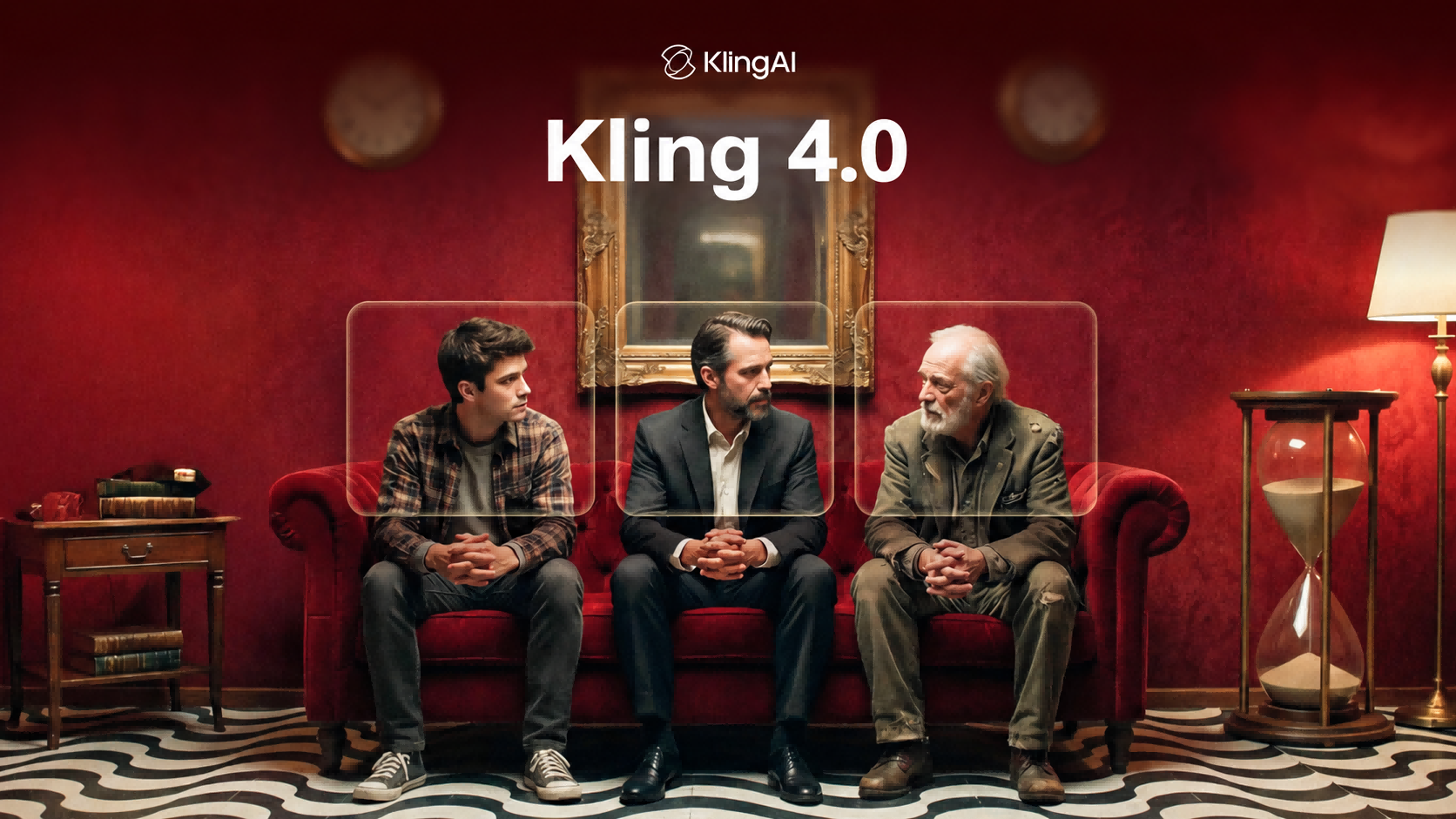
Kling 4.0 has been available since October 15. Kuaishou’s new AI video model supports up to 30 seconds in one generation, 15 combined references and 10 keyframes to guide a sequence. Those are the three changes highlighted in its official launch announcement.
If you make content for a brand, the practical question is whether the product will stay recognizable as the shot changes. References and keyframes address that problem. Here is how the announced capabilities, the provider’s examples and the features still listed as upcoming fit together.
What is new in Kling 4.0 for AI video creation?
The three limits describe different things:
| Feature | Announced limit |
|---|---|
| Native generation | Up to 30 seconds |
| Omni Reference | Up to 15 assets combined |
| Keyframes | Up to 10 |
Kuaishou also reports better stability during fast action and complex camera movements. That is the manufacturer’s claim: we have not measured its success rate or run our own comparison against other models.
Omni Reference: 15 references is a combined limit
The Kling 4.0 documentation allows up to 10 images, 5 videos and 7 subjects, within the overall limit of 15 assets. You cannot add those individual maximums together to get 22 inputs.
An image can guide a product’s appearance; a video can guide camera movement. Our reading for brand work is that this lets you communicate what should stay consistent separately from how it should move. You still need to review the full clip to assess fidelity.
Ten keyframes to define what happens and when
Keyframes are images that establish important visual moments in a sequence. They can guide an entrance, a scene change or a product reveal. The following demonstration comes from the official documentation published before launch: it shows an example selected by Kling, rather than an independent test.
These are the five reference images Kling publishes for this example. Compare them with the video sequence below.
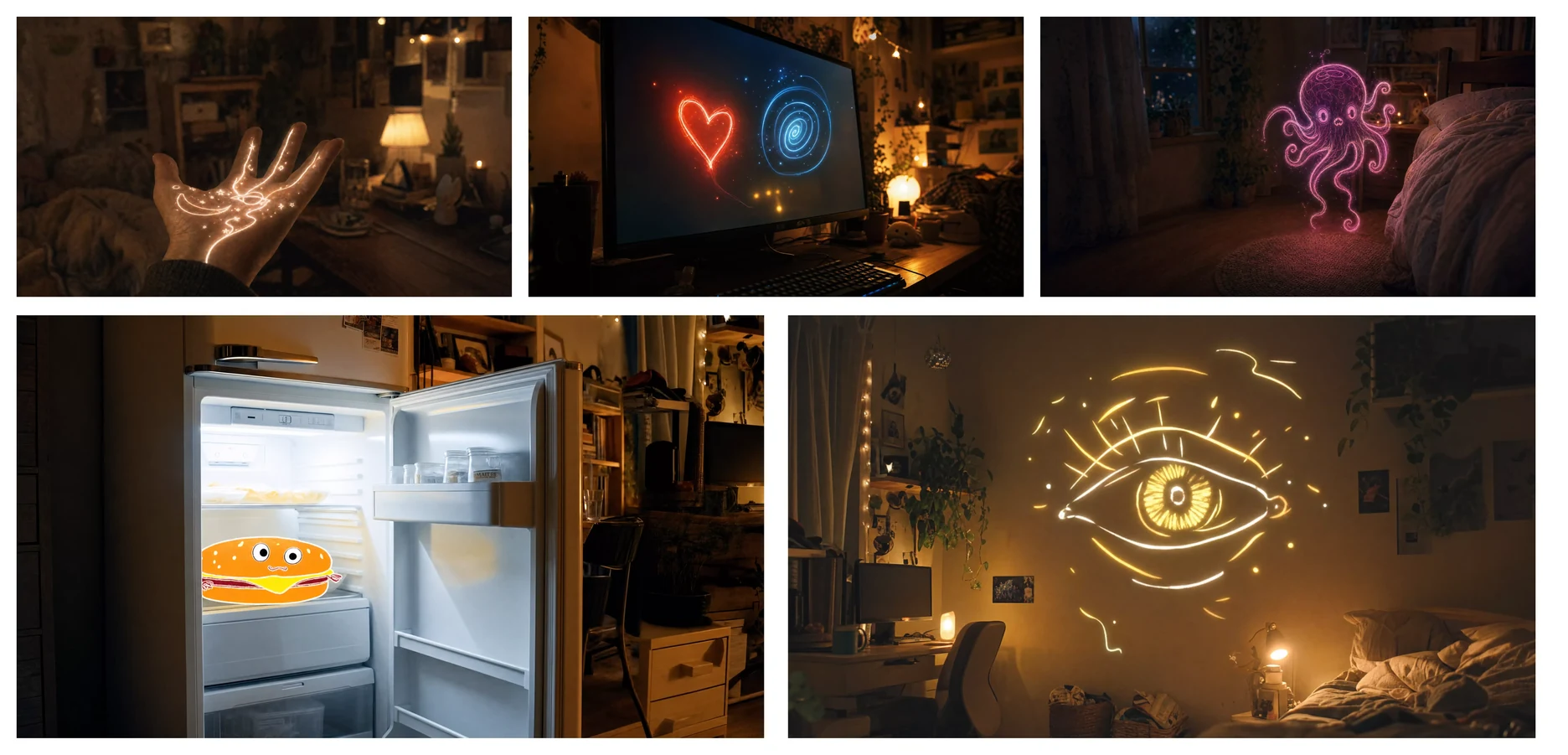
Open the full-size references.
You can open the official 20-second video or see the original explanation and references.
How to access Kling 4.0 and how much it costs
The October 15 announcement confirms access through the redesigned creation interface at kling.ai, as well as MCP and CLI for compatible tools and agents.
On the official subscription page, checked on October 19, the monthly Pro option displayed:
| Item | Price or allowance |
|---|---|
| First month, first-purchase offer | US$25.99 |
| Following months, under the displayed offer | US$32.56/month |
| Included credits | 3,000 per month |
These are observed promotional terms, rather than a permanent rate. The subscription price is not the price of one video: we are not converting credits into a clip count without verifying consumption for each configuration. Check the price and terms shown in your account before subscribing.
Are the API and 4K HDR output available yet?
The launch post lists 10-bit HDR output at 4K and 1080p, alongside API access, under “Coming Soon.” The official API pricing page also says its current packages do not support Kling 4.0. We therefore do not apply published Kling 3.0 rates to the new model.
Video extension of up to two minutes is also described as upcoming in the corporate announcement. It is separate from the native 30-second generation discussed above.
What to check before using the results in a campaign
A striking shot handles only part of a brand’s requirements. Check whether the product’s shape, label text or proportions change between shots; then watch whether motion connects smoothly from start to finish. This is our suggested editorial review, rather than a measured Kling 4.0 result.
If your next step is turning the idea into social content, our guide to writing a Reel script can help. Knowing what should happen in each shot gives you something concrete to assess in any video generator’s output.
Kling AI’s original announcement
Original Kling AI post · October 15, 2026
For Those Who Create. KLING 4.0 Is Now Fully Available.
The announcement confirms the new interface, MCP and CLI; it lists 10-bit HDR and API access as upcoming features.
Source
Plan your next post in HeyMark.
Keep the idea, review the draft with your team, and see how it performed in the accounts you connected.