News Google Gemini
Gemini Canvas showcases four interactive and editing use cases
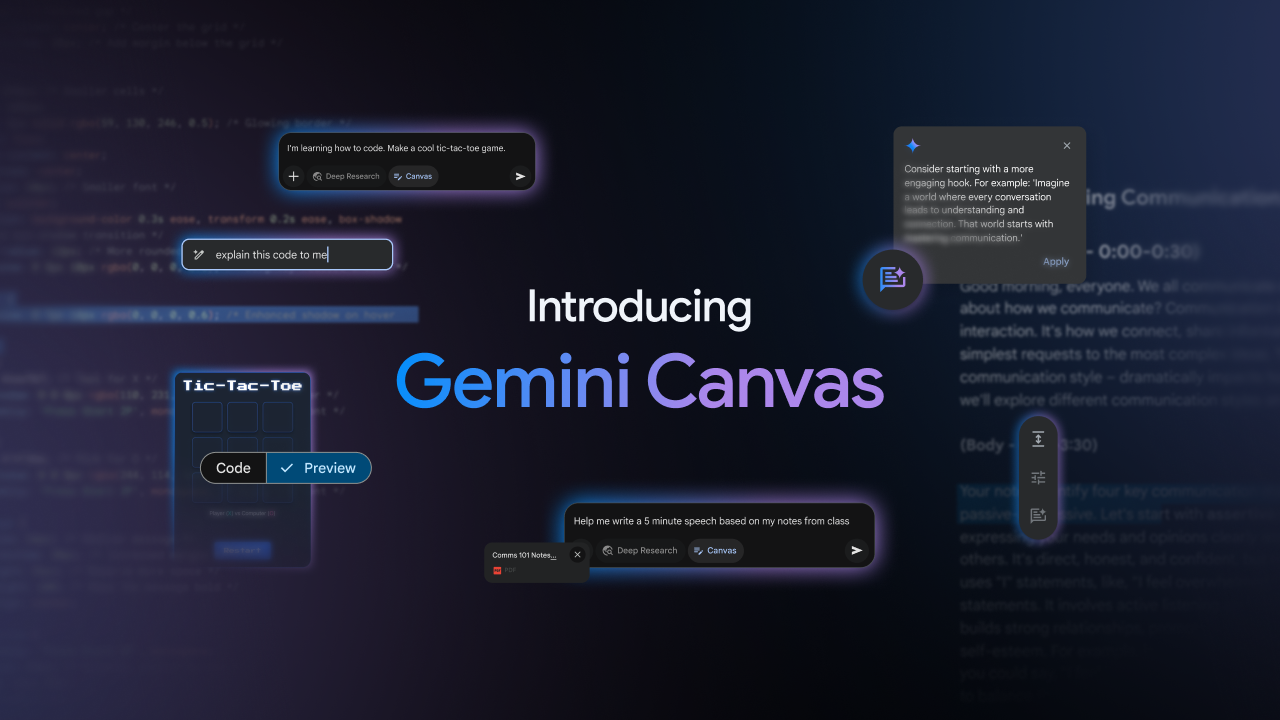
On November 23, Google published a roundup of four uses for Gemini Canvas, the interactive workspace that appears beside the chat. The original article presents examples of creating and editing with the tool.
Apps and study materials
To create interactive experiences, Google suggests web apps and mini-games, such as 3D visualizers and games that run in a browser. Another use starts with existing materials: Canvas can turn notes or PDF files into interactive quizzes, flashcards, and practice environments.
From a spreadsheet to a tool
The roundup also shows how to turn spreadsheets into sales trackers, pricing calculators, and to-do lists. In these examples, a table becomes a tool for looking up or working with its information.
Editing directly on the canvas
To revise text, you can highlight a passage in Canvas and request a change in tone, a rephrasing, or a new structure for a proposal. The illustration for this use shows presentation notes generated from a GTM document, a go-to-market plan. (blog.google)
Source
Plan your next post in HeyMark.
Keep the idea, review the draft with your team, and see how it performed in the accounts you connected.