News Gemini
Gemini lets you edit files in chat
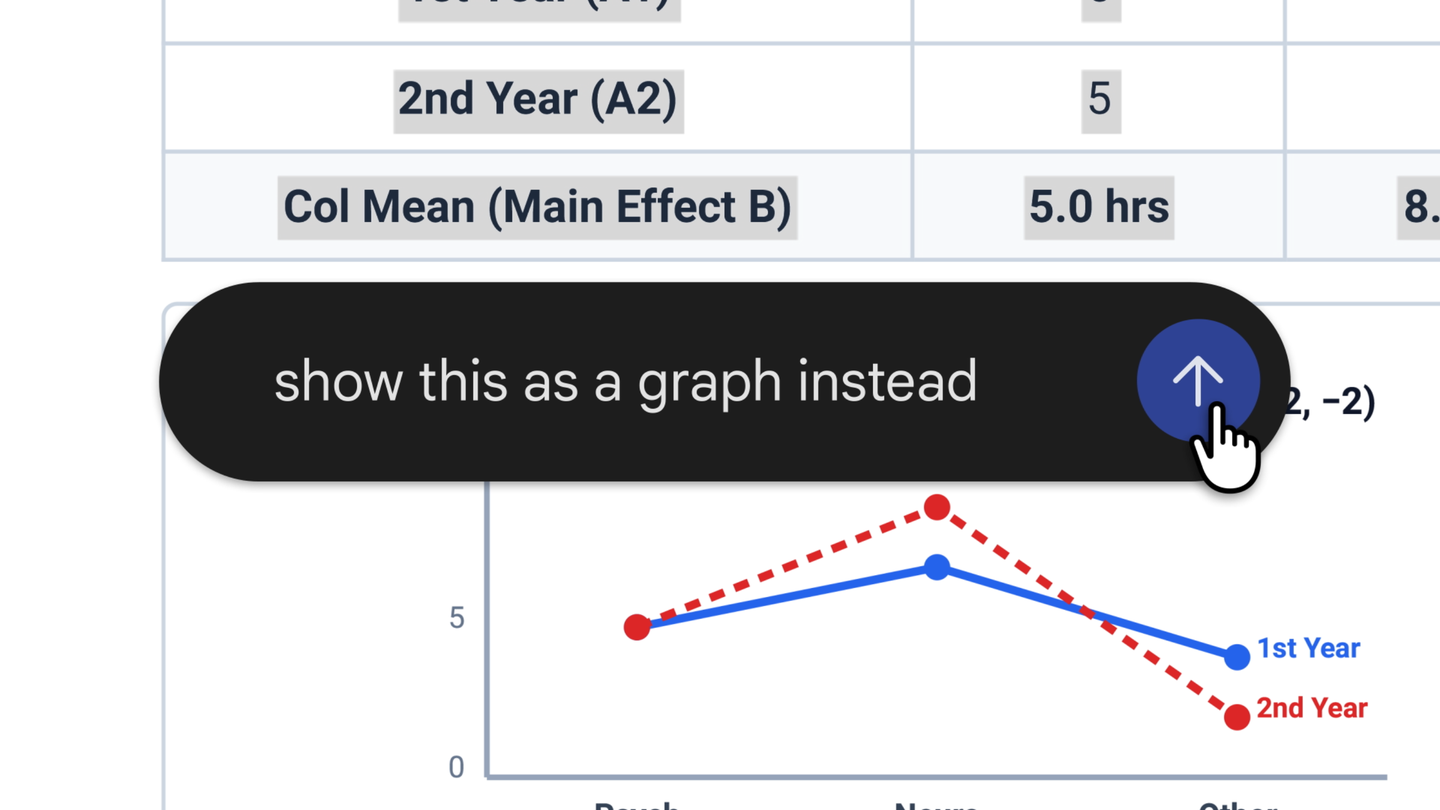
On October 29, Google announced that Gemini lets users create, preview, and edit files directly in a conversation. The new feature brings work with files into the chat: you can open a full-screen view, make changes manually, select text to ask questions about it, or ask Gemini to refine the content. Google mentions adjustments to both text and visual elements. (Google)
Manual editing and changes requested in chat
The expanded view lets you edit the file directly, while selecting text lets you ask about a specific part or request changes to it. You can also ask Gemini to refine the document. This brings manual editing and requests to the assistant together in the same workflow, rather than limiting the process to generating the file and continuing the review outside the chat. (Google)
Google illustrates how it works with handwritten notes uploaded to Gemini. From them, the assistant creates a study guide in PDF format; afterward, the user can edit it manually, highlight sections to request text or visual changes, and ask follow-up questions. This is the example accompanying the announcement. (Google)
Formats and devices
Google announced availability to all users in the languages in which the Gemini app is available. PDF previewing and editing work on both the web and mobile devices. However, editing Google Docs documents, Google Sheets spreadsheets, presentations, Markdown files, TXT files, and code is available on the web. (Google)
Source
Plan your next post in HeyMark.
Keep the idea, review the draft with your team, and see how it performed in the accounts you connected.