News Google Gemini Notebook
Gemini Notebook lets you review slides and videos
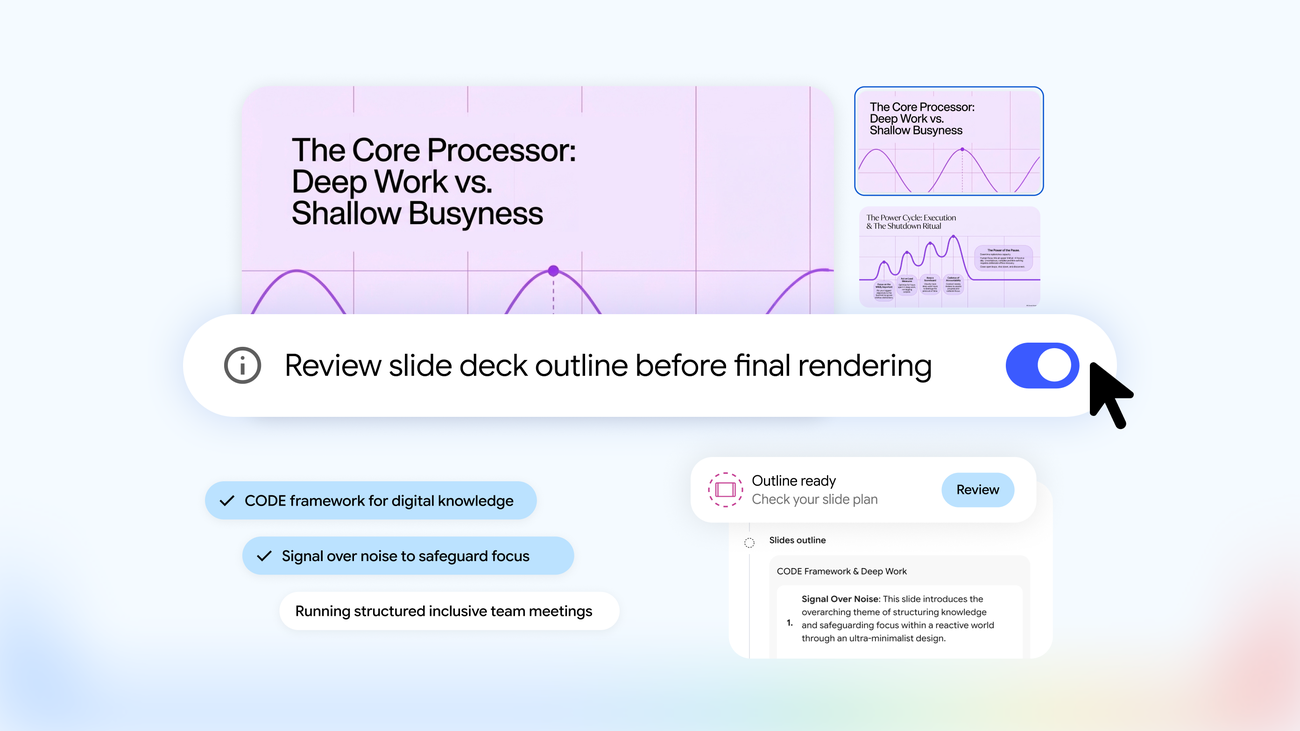
On October 19, Google announced a creation workflow in Gemini Notebook that lets users guide presentations, called Slide Decks, and video summaries, or Video Overviews, before generating the result. The announcement is by Viraj Doshi, Senior Product Manager for Gemini Notebook, and Shan Wang, Senior UX Designer for Gemini Notebook. Google attributes the change to user feedback. Google
From chat to the piece’s outline
The process starts by asking for slides or a Video Overview in chat. Gemini Notebook suggests topics based on the notebook’s sources. After confirming them, users can guide the content, visual style, and format. Users who already know what they want can describe it in the initial prompt and go straight to the review workflow. Google
To examine the outline before generating the piece, users select Review. In the Studio panel, Review outline notes lets them review the slide notes, while Review producer notes lets them review the video notes. There, users can request changes, such as adding an executive summary at the beginning or changing the order of a scene. Selecting Proceed generates the final result based on the revised outline. Google
Quick generation and rollout
Review is optional: from Studio, users can select the type of piece and skip Review to generate it as before. Google announced a global rollout to all Gemini Notebook users during the week following October 19, 2026. Google
Source
Plan your next post in HeyMark.
Keep the idea, review the draft with your team, and see how it performed in the accounts you connected.