News Google Search
Google expands AI Mode with personal apps
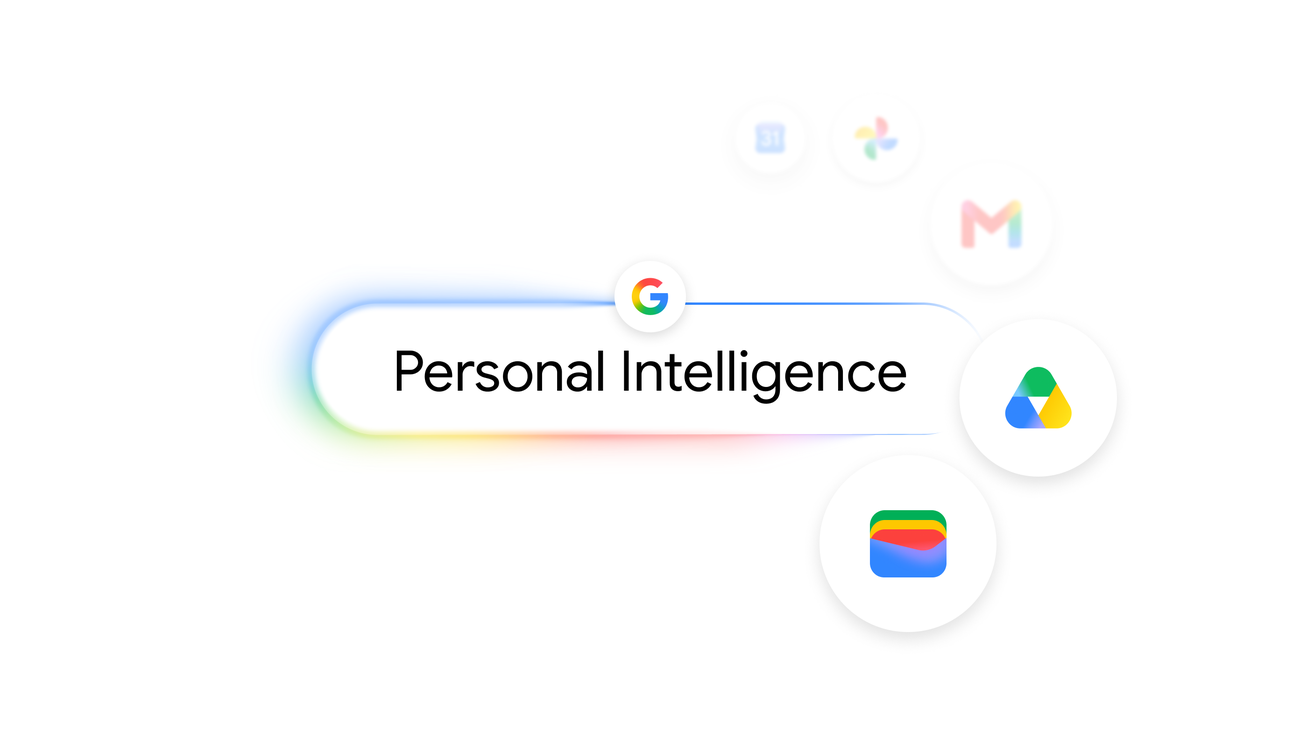
Google announced on November 23 that it is expanding Personal Intelligence, the feature that brings personal context to Search’s AI Mode, with new app connections. Robby Stein, Google Search’s VP of Product, explained that Google Wallet was beginning to roll out that day. Gmail, Calendar, and Photos could already provide context; Drive and the Gemini app were planned for the following weeks. (Google)
Wallet provides information, but does not handle money
If a user connects Google Wallet, AI Mode can read account information to answer questions about financial goals, everyday spending, and benefits from linked cards. Google’s examples include cashback categories, or getting part of a purchase back, travel perks, and reward points. This is read-only access: AI Mode cannot move, manage, or invest money. (Google)
Drive documents and Gemini app context
The Drive connection will let Search base its answers on the user’s documents, spreadsheets, and PDFs. Google illustrates this use with a personalized tax-season preparation plan created from information spread across the user’s files.
The Gemini app connection will let users share context with AI Mode to continue an exploration across the two products. Both this integration and the Drive connection were announced for the weeks after November 23, while Wallet was beginning its rollout on the announcement date. (Google)
Connections chosen by the user
Connections are optional and managed in Search Personalization, under Connected Apps. Users can choose which apps to connect and turn them on or off at any time. Google also announced that it would soon let users view the context AI Mode used through the “Personalization” icon beneath a personalized answer. (Google)
How to choose connected apps in AI Mode
Gmail, Calendar, and Photos could already provide context; Google Wallet began rolling out on November 23. Drive and the Gemini app were planned for the following weeks.
- Open Search Personalization.
- Choose Connected Apps.
- Select which apps to connect.
Source
Plan your next post in HeyMark.
Keep the idea, review the draft with your team, and see how it performed in the accounts you connected.