News Google Vids
Google Vids offers personal avatars at no cost
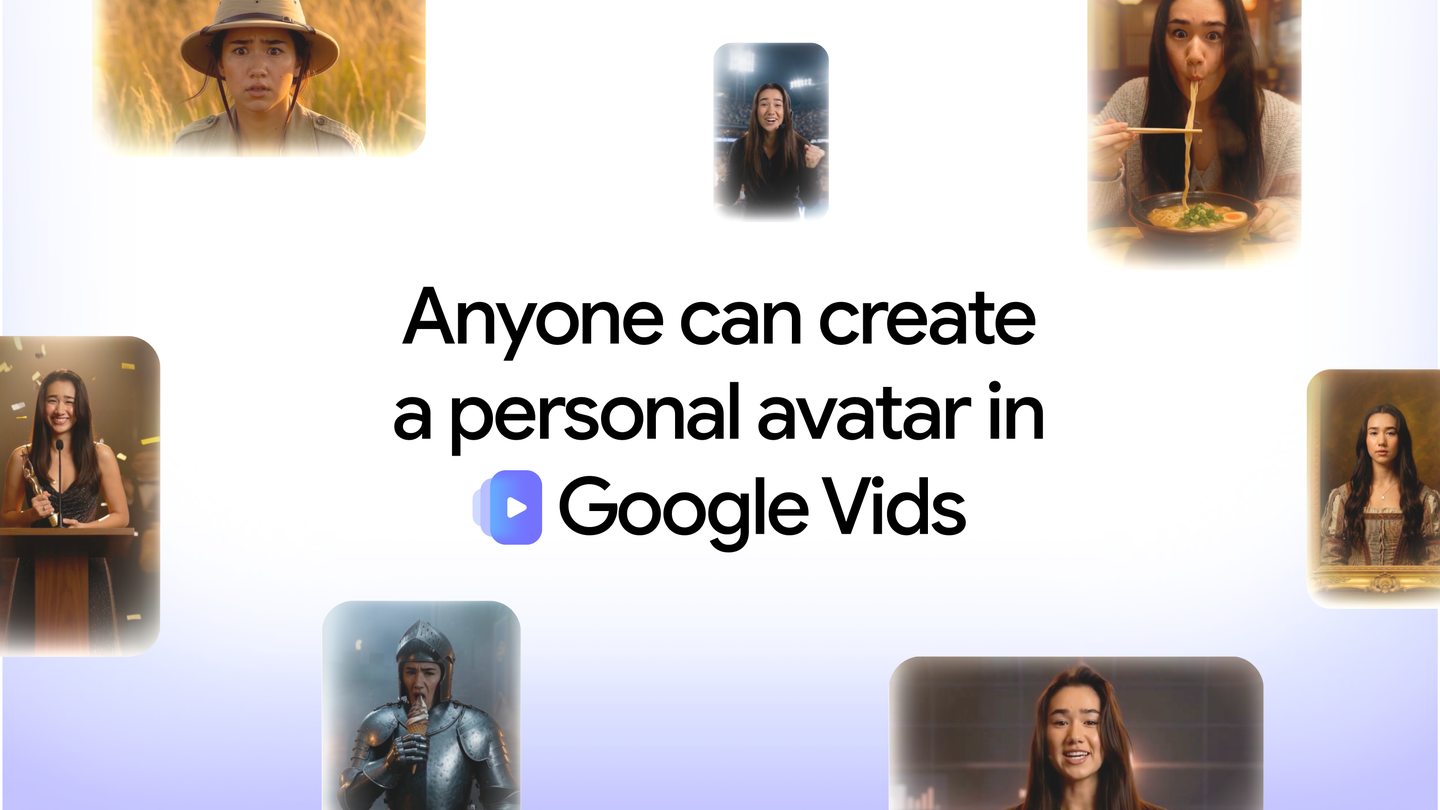
Google announced on November 17, 2026, that personal avatars in Google Vids are available at no cost to anyone with a personal Google Account. The feature lets users create a digital representation of the account holder and customize its appearance and voice. (Google)
Create and reuse your personal likeness
The process starts with a QR code to create your personal likeness without preparing a filming session. It is automatically added to the prompt, the instruction used to generate the video. The user then writes what they want to say and creates the video. The avatar is saved in the Vids project so it can be reused in different scenes. (Google)
Access begins on November 17 from a desktop computer at vids.new. Avatars are linked to the Google Account and can represent only its account holder. (Google)
How to create a video with your personal avatar
Available at no cost to people with a personal Google Account. The announced workflow is available from a desktop computer at vids.new; the avatar represents only the account holder.
- Open vids.new on a desktop computer.
- Scan the QR code to create your personal likeness; it will be automatically added to the video prompt.
- Write what you want to say and create the video.
- Reuse the avatar saved in the project in any scenes you need.
Source
Plan your next post in HeyMark.
Keep the idea, review the draft with your team, and see how it performed in the accounts you connected.