News Meta / Forum
Meta adds moderation and post controls to Forum
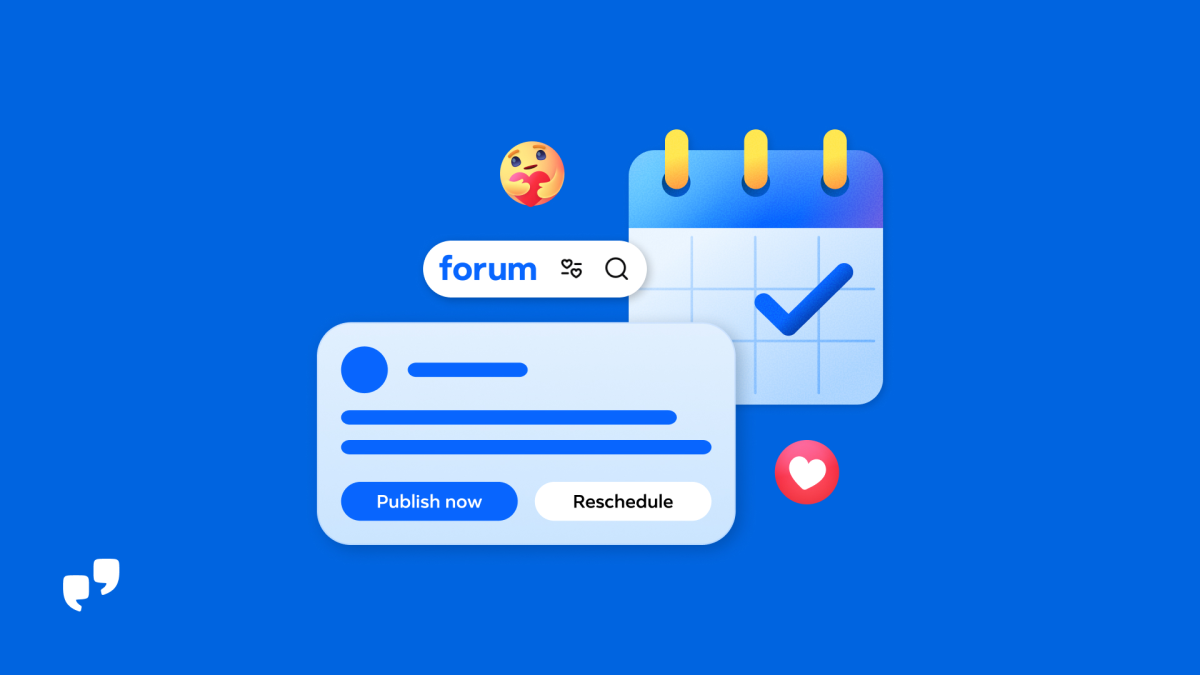
In its October 23 post, Meta introduced new management features for Forum, its app for Facebook Groups. The update adds tools for reviewing content, configuring moderation, and coordinating posts. Forum is available to download in the United States for iOS and Android; users sign in with a Facebook account. Meta’s announcement details the new features and how to access them.
Admin AI prepares content and supports review
Admin AI helps prioritize member requests and pending posts. It also highlights what is working in the group, what needs attention, and what topics people are discussing. It can now draft posts for administrators to review, edit, and publish when they choose.
The tool also compares each pending post with the rules set by administrators. A label indicates whether the post likely complies or may violate the rules. These indicators appear in the pending-post queue and in Admin AI to help administrators decide what to approve. Meta explains how Admin AI works.
Rules to automate moderation
Admin Assist lets administrators combine conditions to create custom moderation rules. For example, rules can take into account a post’s length, use of links, or previous moderation actions. Administrators retain control over what they allow in their group, and all posts remain subject to Facebook’s Community Standards. The announcement describes Admin Assist controls.
Planning and team coordination
Forum adds information tailored to each group’s stage, new, growing, or established, to highlight actions administrators might prioritize. It appears both in the group and in Admin Home, Forum’s management space.
Administrators and moderators can view a shared calendar of posts scheduled by the team. Admin AI helps draft and schedule up to five posts at a time. Administrators can also pin a comment to highlight a response, correction, or clarification. Meta details the planning and coordination options.
Source
Plan your next post in HeyMark.
Keep the idea, review the draft with your team, and see how it performed in the accounts you connected.