News OpenAI
OpenAI brings interactive interfaces to ChatGPT
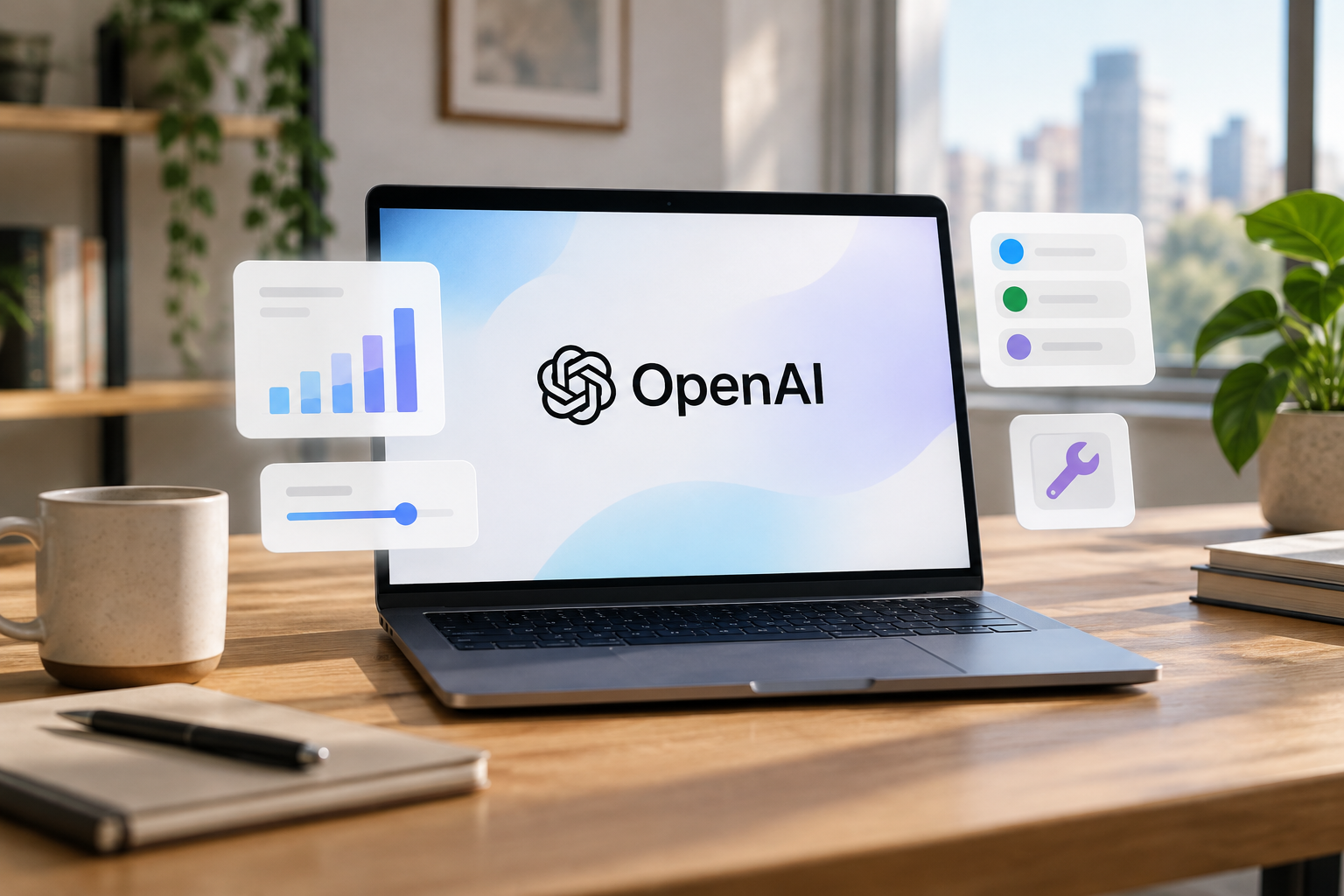
On October 7, 2026, OpenAI announced GPT‑6 with interactive interface responses in ChatGPT. The company described an experience that can combine text, charts, and controls, as well as generate simple tools within a conversation (OpenAI announcement). For content teams, the change opens up a prototyping possibility: presenting an explanation or comparison in a way that people can interact with, rather than giving them just a block of text.
What changes with Intelligent UI?
OpenAI calls responses that combine different forms of presentation “Intelligent UI.” According to the announcement, ChatGPT can respond with text alongside charts and interactive controls, and generate simple tools within the conversation (OpenAI announcement). This describes a new way of building and displaying responses in ChatGPT; it does not, by itself, mean that all responses will have controls or that every team can define a custom interface for its workflows.
For marketing, the distinction is useful. A team could explore whether a comparison of options or an explanation of a product works better as an interactive experience. But the announcement does not specify that these responses can be published directly to social media, connected to brand profiles, or include campaign metrics.
Who can access it, and when?
OpenAI said the rollout begins October 7 for Plus, Pro, Business, and Enterprise plans. It also said expansion to Free and Go was planned for the following day, October 8 (OpenAI announcement). These dates describe the schedule announced by the company; each person may need to check their account to see whether the feature is available to them.
The announcement cited here does not specify a subscription price or country-specific access terms. If the team wants to evaluate the experience, it should first confirm which plan it uses and whether the feature has appeared in its ChatGPT account. Individual access should not be inferred solely from the general rollout date.
What kinds of content could it be useful for?
One possibility is prototyping an interactive way to explain a topic you would normally present in a post, carousel, or video. Another is turning a lengthy comparison into a simple tool that lets people explore alternatives. These are uses to evaluate, not demonstrated results for a brand: the announcement presents product capabilities, not a specific social media marketing case.
The test can be straightforward: prepare an editorial task you already know, check whether the result is accurate and readable, and decide whether the interaction adds anything compared with a standard response. Don’t share information your team isn’t authorized to enter into ChatGPT. HeyMark has not yet tested this feature.
What shouldn’t you assume?
Intelligent UI was not announced as a tool for scheduling posts, moderating messages, or measuring social media campaigns. Nor should an interactive response within ChatGPT be confused with an interactive post on a social platform. These are different surfaces and tasks; the information available in the announcement does not establish an integration with HeyMark.
HeyMark is limited to planning and publishing content on supported social networks, collaborating with the team, and reviewing messages and performance. If you want to structure an explanation or a visual asset with the help of an assistant, you can consult HeyMark’s guide to creating carousels with ChatGPT. The guide covers that content workflow, not an integration announced with GPT‑6.
Source
Plan your next post in HeyMark.
Keep the idea, review the draft with your team, and see how it performed in the accounts you connected.