News OpenAI
Pollo AI explains how it turns ideas into videos
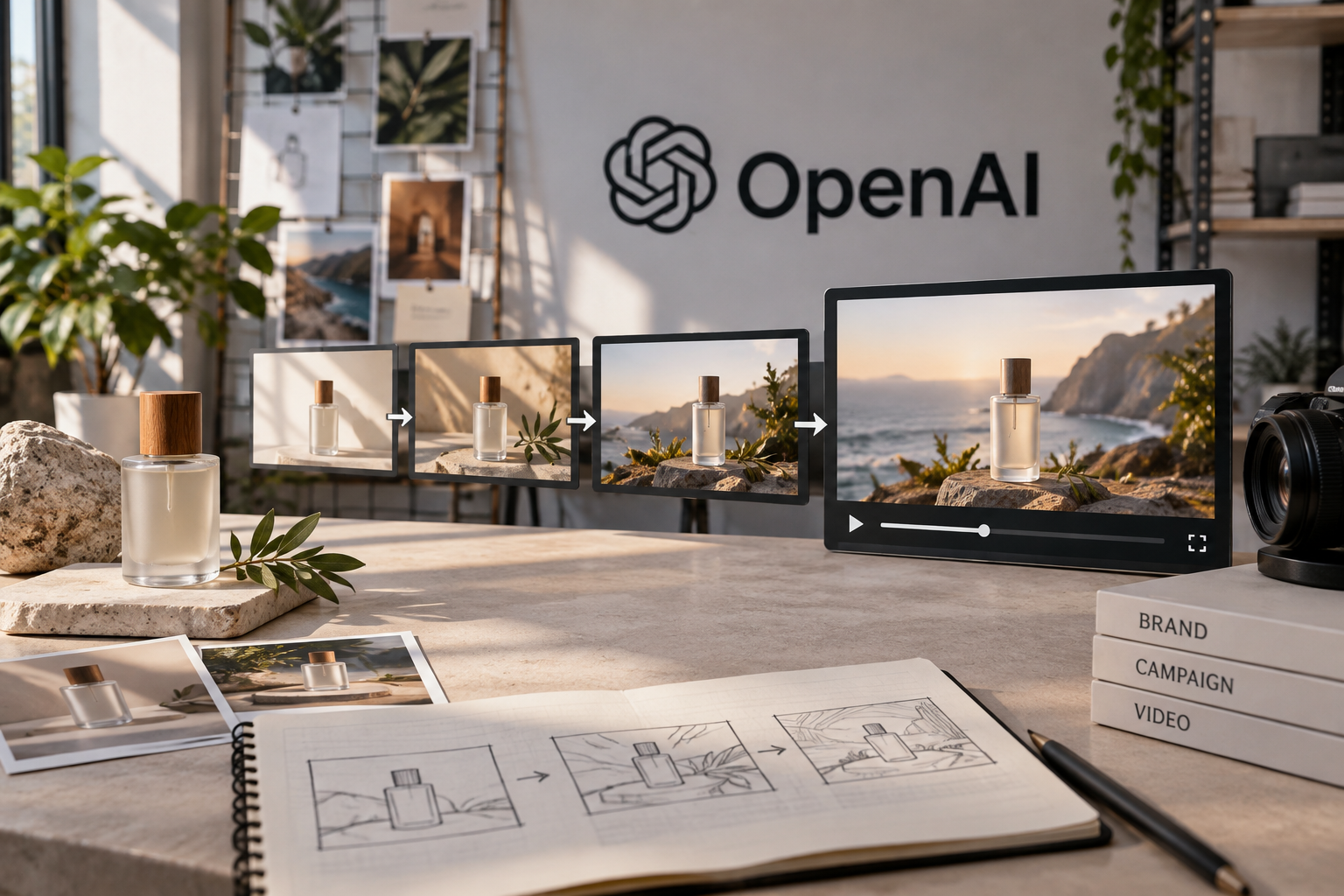
On October 8, 2026, OpenAI published a customer story describing how Pollo AI uses AI tools to produce stories, scenes, and campaign videos. The date refers to the story’s publication, not the launch of Pollo AI or any of the tools mentioned. OpenAI describes a workflow that starts with ideas and references, and also says product photos are used to create advertising videos and campaign visuals (Pollo AI case study).
What does the Pollo AI case study describe?
The article describes a guided process for turning an idea into a story, dividing it into scenes, and moving on to scripts and visual assets. It also mentions using product photos as a starting point for advertising videos and campaign visuals (Pollo AI case study). It’s an example of how an existing reference can be part of the creative process, not an announcement that a new tool launched on October 8.
The distinction between a published case study and a product announcement matters to anyone evaluating tools. The story shows how one company says it works with its assets, but it doesn’t determine what workflow will be available to another brand or what results it will achieve. Nor should the case study be read as a universal recommendation to replace standard production practices.
Which part of the workflow could be useful for marketing?
The sequence described suggests a way to organize production: start with an idea or reference, develop it into a story, build out scenes, and prepare scripts or visual assets. For a brand, this framework could help turn a planning session into a list of deliverables the team can review. In particular, the product photo is presented as a possible starting point for creating new campaign materials (Pollo AI case study).
That doesn’t mean every image will work, that the result will be ready to publish, or that the format will work on every social network. The piece needs editorial and brand review, as well as confirmation that the team can use the original image and the generated material. The article recounts Pollo AI’s workflow; it doesn’t set usage rules for all brands.
What figures and results are confirmed?
The case study includes claims about Pollo AI’s work and tools. Any figures or results reported by OpenAI or Pollo AI are data reported by those companies as part of their story (Pollo AI case study). They shouldn’t be presented as industry averages or as a forecast for your campaign. The information summarized here doesn’t provide specific figures for comparing the performance of your own brand, so no definitive results can be inferred.
For an internal evaluation, first define what makes a piece useful: it communicates the product clearly, can be adapted to the format you need, and can be reviewed by the team as part of its process. Compare the result with your usual way of producing content. HeyMark hasn’t yet tested the workflow described in the case study.
What should you review before using a similar workflow?
Start with a focused idea and a product photo your brand has the right to use. Check whether the resulting scenes align with the message, visual identity, and campaign restrictions. If a video is generated, review every shot and the text before sharing it. These are evaluation recommendations for a team; they aren’t results attributed to the Pollo AI case study.
Also keep production separate from publishing. OpenAI’s article describes tools for creating assets, but doesn’t say they are automatically published on social networks or integrated with HeyMark. HeyMark can help plan and publish content on compatible social networks, collaborate with the team, and review messaging and performance. To turn a concept into a sequence of images for social media, see HeyMark’s guide to creating carousels with ChatGPT.
Source
Plan your next post in HeyMark.
Keep the idea, review the draft with your team, and see how it performed in the accounts you connected.