Blog
Google Ads impression share: formula and example
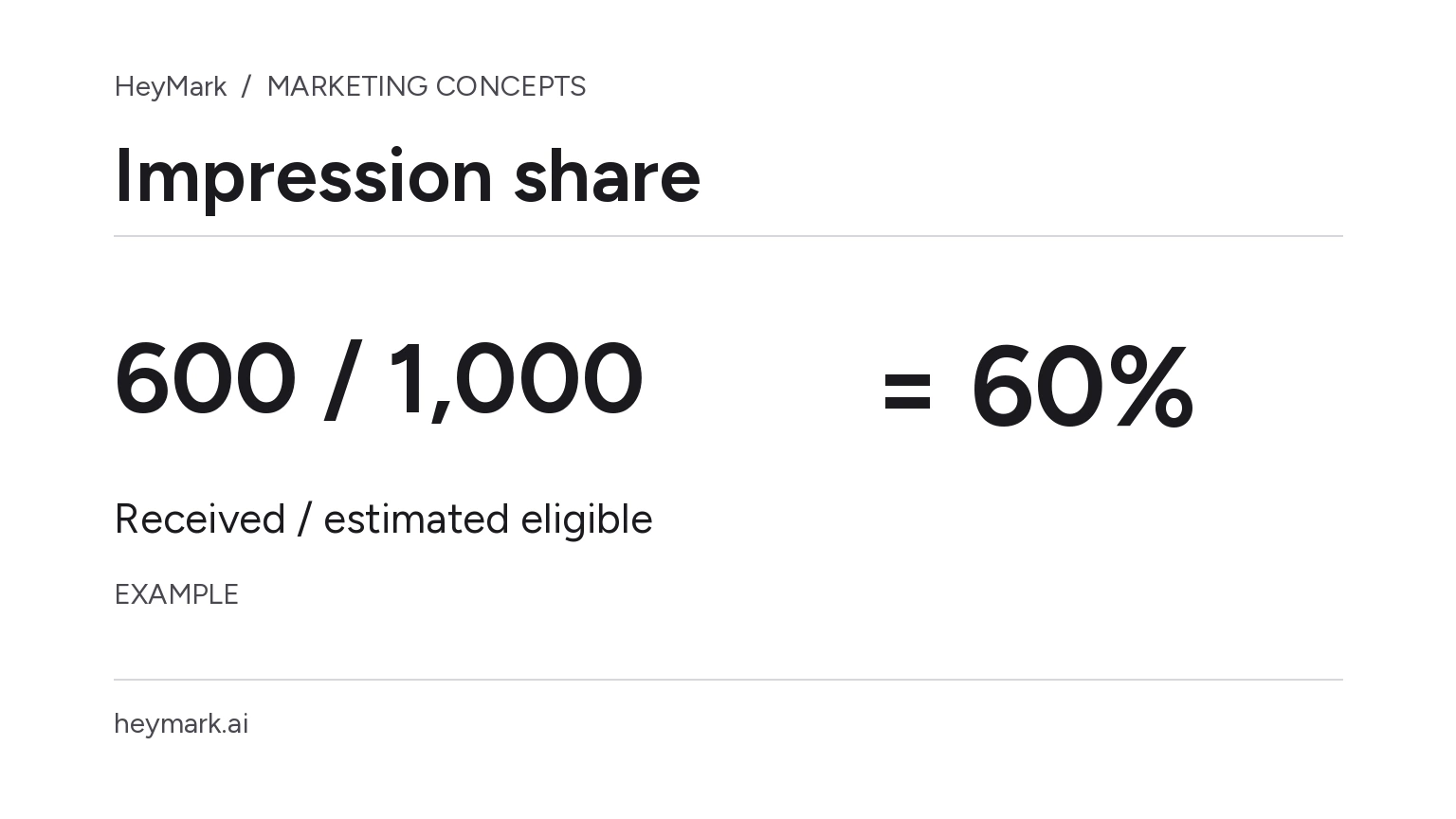
Impression share shows what portion of the impressions your ads could have received they actually received. The formula is:
Impression share = impressions received / estimated eligible impressions × 100The denominator is Google’s estimate for auctions in which your ad was eligible, not every search in the market. So a 60% share does not mean you reached 60% of people searching for your product. Google defines the metric and its calculation.
Example: 600 out of 1,000
Imagine a search campaign received 600 impressions during a defined period and targeting setup. Google estimates that it was eligible for 1,000 impressions under those conditions:
600 / 1,000 × 100 = 60%The campaign missed some eligible opportunities, but the percentage alone does not explain why or whether recovering them is worthwhile. Check the lost impression share metrics for budget and rank, available depending on campaign and segment. Google Ads explains how to access these figures in its metrics guide.
If budget loss is material, first review which campaigns share that budget and what business results you attribute to each. Raising the limit could allow more participation, but it does not prove that the additional impressions will be profitable. If rank loss matters more, review ad relevance and quality, bids, and landing-page experience; the metric does not identify one cause on its own.
Impression share calculator
Explore a scenario with received impressions and estimated eligible impressions for the same campaign and search period.
Compare periods carefully
Compare the same campaign type and network, with equivalent periods, targeting, and filters. If location, schedule, or keywords changed, the pool of eligible auctions may have changed too. A change in share is then not a clean comparison.
When combining groups, do not average their percentages without weighting. Suppose group A had 100 impressions out of 200 eligible (50%) and B had 900 out of 1,000 (90%). The simple average is 70%, but the weighted total is 1,000 / 1,200 = 83.3%. Use compatible totals and remember that Ads estimates and segmentation determine what can be combined.
This arithmetic example assumes non-overlapping sets of opportunities. Do not reconstruct the official Ads total from rounded percentages: use the report’s aggregate for the selected scope.
Impression share helps diagnose relative presence within eligible opportunities. It does not measure total searches, unique people, sales, or market share. Read it alongside conversions and costs defined for your business, rather than treating 100% as a universal target.
Plan your next post in HeyMark.
Keep the idea, review the draft with your team, and see how it performed in the accounts you connected.