Blog
Google Ads Quality Score: meaning and how to use it
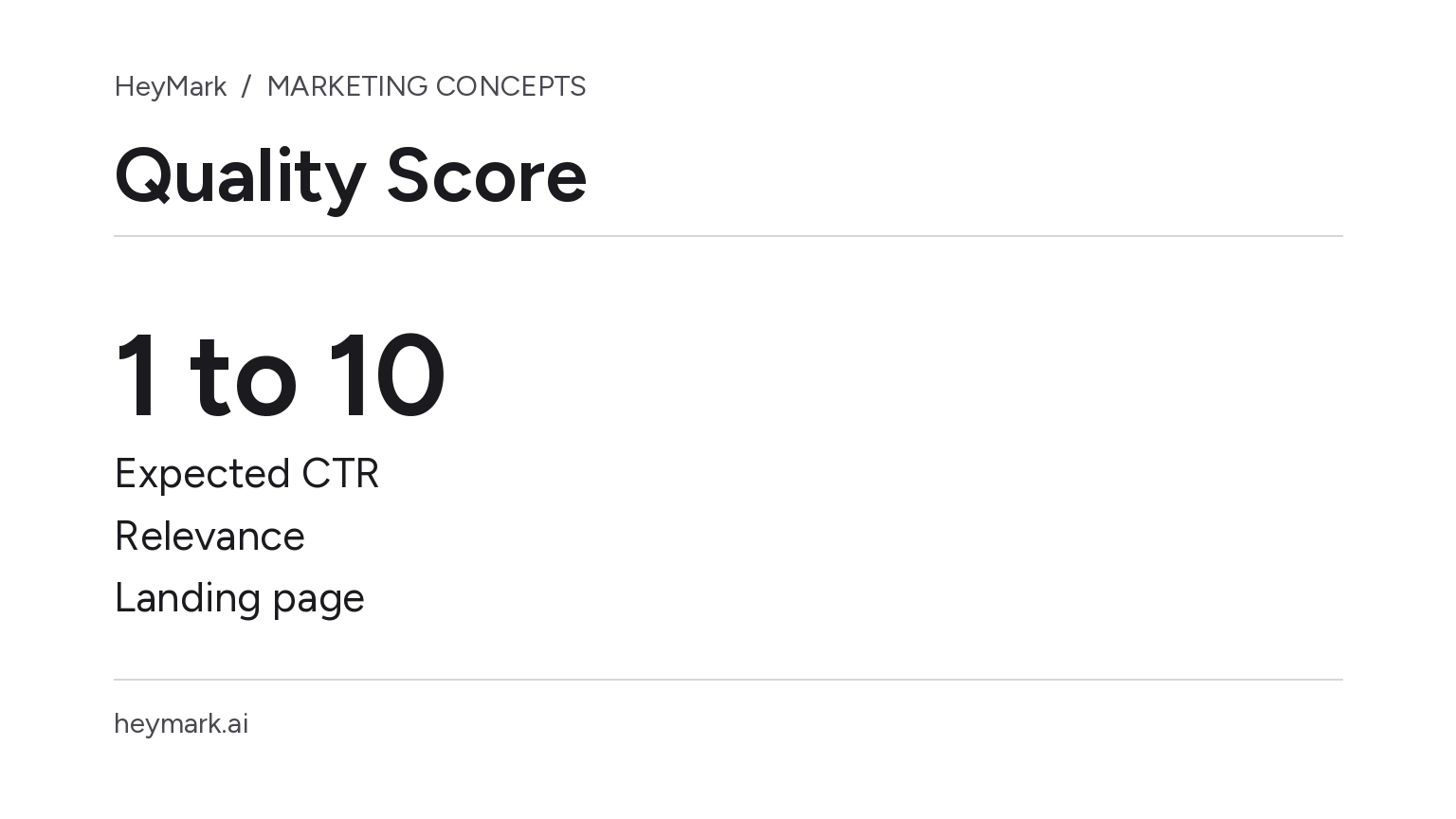
Google Ads Quality Score is a 1–10 diagnostic assigned at the Search keyword level. It summarizes how your ad and landing page compare with other advertisers for related searches. It is not an account grade or a performance target. Google says Quality Score is not an auction input. Use it to find a question worth investigating, then review the actual customer experience and the business outcomes that matter.
The three components
The diagnostic reports “Above average,” “Average,” or “Below average” for:
- Expected clickthrough rate: how likely the ad is to be clicked when shown.
- Ad relevance: how closely the ad matches the intent behind a search.
- Landing page experience: how relevant and useful the destination is to someone who clicks.
Google compares these statuses with advertisers whose ads showed for the same search over the previous 90 days. A low status points to an area to inspect; by itself, it does not identify the cause or guarantee that a change will improve conversions or lower CPC. Google also says Quality Score is not a KPI and should not be added or averaged with other metrics.
Example: “creative studio rental”
Suppose a business rents a studio for product photography. It adds the keyword “creative studio rental” and sees below-average ad relevance. Its current ad says “Space for your projects” and leads to a general page covering meeting rooms, workshops, and photography.
That signal raises a useful question: do the ad and destination address the same need? The business could test a more specific line such as “Product photography studio | Book by the hour,” if hourly booking is genuinely available. It could also send visitors to a page explaining the photography space, included equipment, availability, and how to enquire. If equipment is not included, the ad and page should say so clearly.
Before changing anything, confirm that the keyword fits this service and that the page works on mobile. Then track search terms, clicks, and the actions the business has defined as conversions separately. A higher score alone does not show that the campaign is more profitable; a measured conversion also does not prove that one edit caused it without comparing conditions.
Turn a status into a review
If expected CTR is low, compare the ad copy with what the searcher wants and what the business actually offers. If ad relevance is low, check whether the keyword, ad, and page describe the same service. If landing page experience is low, check that the page answers the query quickly, is usable, and supports the advertised action. Make changes for the visitor, not simply to chase a number.
In Google Ads, the score and component statuses can be added to the Keywords table; historical columns are available to review changes over time. A dash can mean there is not enough history from searches that exactly match the keyword to calculate the score. It is not a negative rating.
Quality Score is a comparative clue. Use relevant campaign metrics and business goals to make budget and success decisions, supported by conversion tracking that works.
Sources: About Quality Score for Search campaigns; Using Quality Score to guide optimizations.
Plan your next post in HeyMark.
Keep the idea, review the draft with your team, and see how it performed in the accounts you connected.