News Google Gemini
Gemini adds reusable Skills for instructions and files
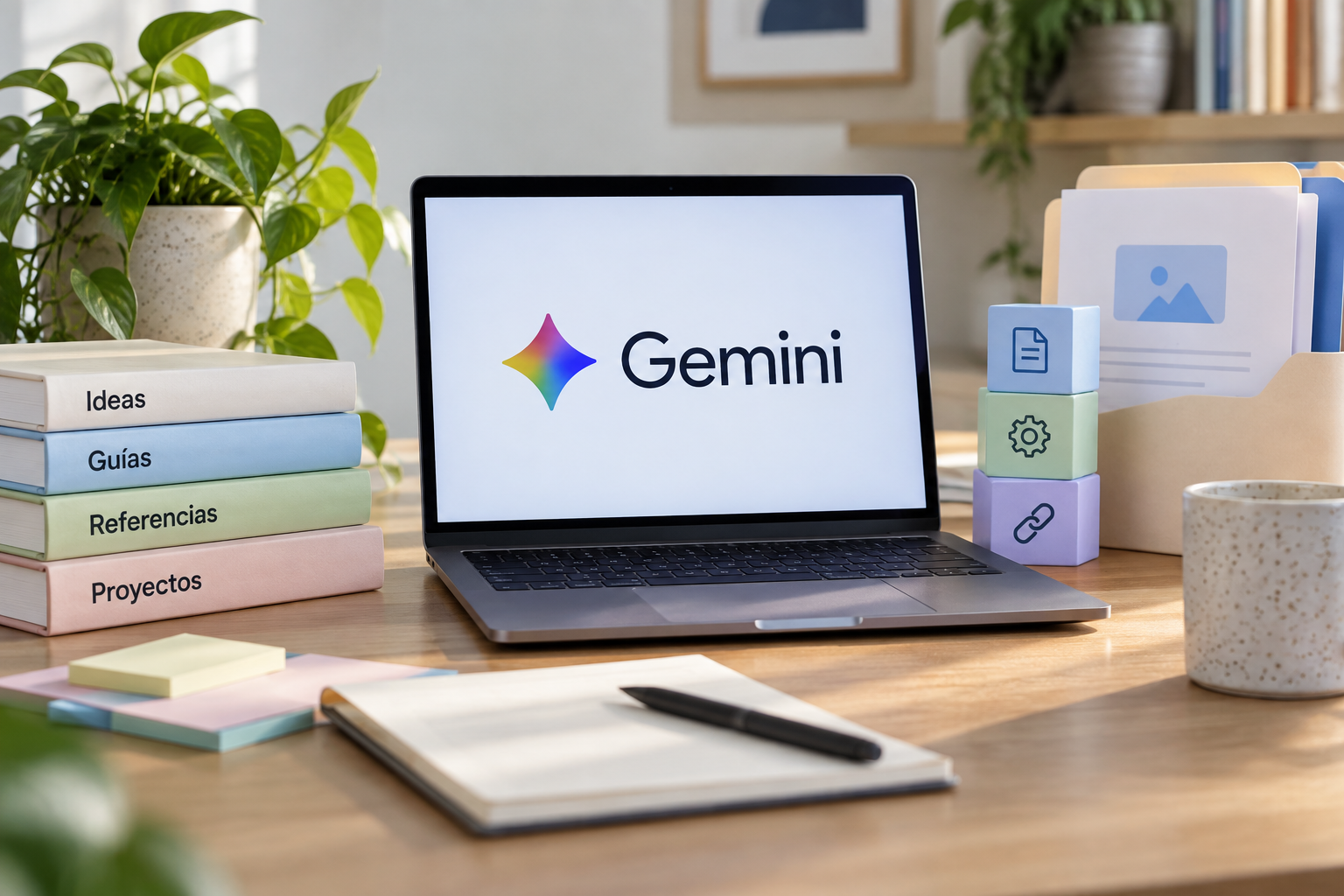
Google announced on September 30 that the global rollout of Skills in Gemini chat was beginning. Skills let users save reusable instructions, add reference files, and combine skills; availability in Workspace for organizations was announced for the following weeks.
On September 30, 2026, Google announced that the global rollout of Skills in Gemini chat was beginning. The feature lets users save reusable instructions, add reference files, and combine skills; Google said that availability in Workspace for organizations would follow in the coming weeks, not immediately. Google’s announcement includes a description and an example of brand guidelines.
What are Gemini Skills?
Google presents them as instructions that can be saved and reused in Gemini chat. They can also include reference files and be combined. Instead of starting from scratch each time, a team could explore whether it would be useful to define recurring instructions and have them available for specific tasks.
The post gives combining a writing-style skill with brand guidelines as an example. This is Google’s example, not a guarantee that the result will, on its own, meet every editorial criterion of an organization. Tone, accuracy, and suitability for each channel will still require human review. The original announcement describes these capabilities and its example.
What’s available, and what’s still pending?
Google announced that the global rollout of Skills was beginning that day in Gemini chat. For organizations using Workspace, the company said availability would come later, over the following weeks. These are two different availability contexts: the announced rollout for Gemini chat should not be interpreted as confirmation that the feature is already enabled in Workspace for all organizations.
The team should verify access for its own account and environment before planning a workflow around Skills. The post does not support assuming that every user or organization already has access, or that the date given for the general rollout means immediate availability in all accounts. HeyMark has not yet tested this feature.
How could it be used with brand guidelines?
A limited test could involve saving style instructions and adding a reference document approved by the team. Then, you can request a specific task and review whether the result follows the voice, preferred terms, and constraints provided. If skills are combined, it’s worth checking that the instructions don’t conflict and that the result remains appropriate for the intended channel.
This kind of exercise should be treated as a process evaluation. The announcement does not provide results from an independent test for marketing teams, or figures on savings or improvement. So it’s best to note which instructions were used, how much editing was needed, and which errors required correction, without presenting an expectation in advance as though it were a proven result.
What should a social media team try first?
Choose a recurring, low-risk task, prepare brief instructions, and review the result using the same editorial criteria you would apply to any draft. Make sure the person responsible can approve the content before it’s published. Also keep Gemini chat use separate from Workspace use: according to the announcement, their rollout status is not the same.
HeyMark can help plan and publish content on supported social networks, collaborate with the team, and review messages and performance; Skills is part of Gemini. To take a reviewed draft toward creating social media assets, see HeyMark’s guide Create carousels with ChatGPT and HeyMark.
Source
Plan your next post in HeyMark.
Keep the idea, review the draft with your team, and see how it performed in the accounts you connected.