News Google
Google expands Gemini Omni 1.2 for video creation
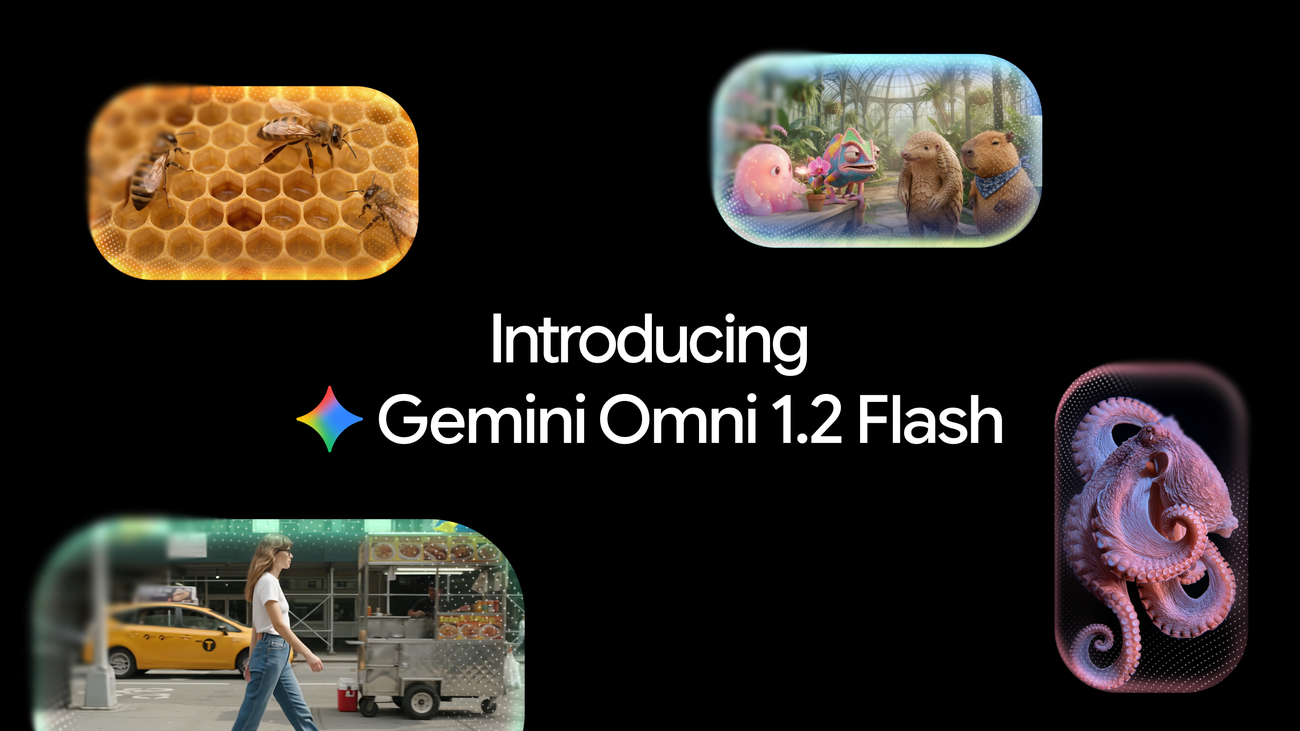
On November 5, Google announced Gemini Omni 1.2 Flash, a model for generating and editing videos that is generally available in Gemini API and Gemini for business. In the Gemini app, access is available to Google AI Ultra subscribers. Anish Nangia, Product Manager at Google DeepMind, introduces the update for tasks such as creating social ads and product explainers in the Google announcement.
Clips up to 15 seconds
The model generates videos between 3 and 15 seconds long, with durations selectable in one-second increments. The 15-second maximum extends Omni 1.1's 10 seconds and allows users to develop a promotion or product explanation in a single generation, according to the use cases described by Google.
References in Gemini Omni 1.2 Flash
Generation supports images of characters, products, or styles, motion clips up to three seconds long, and audio cues. Google says the model preserves faces, clothing, packaging typography, and brand colors across different camera angles.
The company shows a 15-second virtual try-on sequence created from a model's photo and front and back shots of three outfits. The video combines 360-degree turns and cuts that link shots through similar visual elements. According to Google, the result preserves the model's identity and clothing details.
Sequential editing and pricing
Conversational editing lets users request changes to the same clip without regenerating the whole thing. Users can replace the product or background, change the lighting or weather, and adjust the aspect ratio, meaning the proportions of the frame. In Google's demonstration, successive requests change the background while preserving the characters, their performance, and the framing.
Google announces a price of $0.07 per second for 720p video and a 30% reduction compared with Omni 1.1. Its proposed workflow is to create drafts in 360p or 720p, correct details through a follow-up edit, and increase the resolution of selected versions to 1080p or 4K. (blog.google)
Source
Plan your next post in HeyMark.
Keep the idea, review the draft with your team, and see how it performed in the accounts you connected.