News Gemini
Gemini turns sketches into interactive prototypes
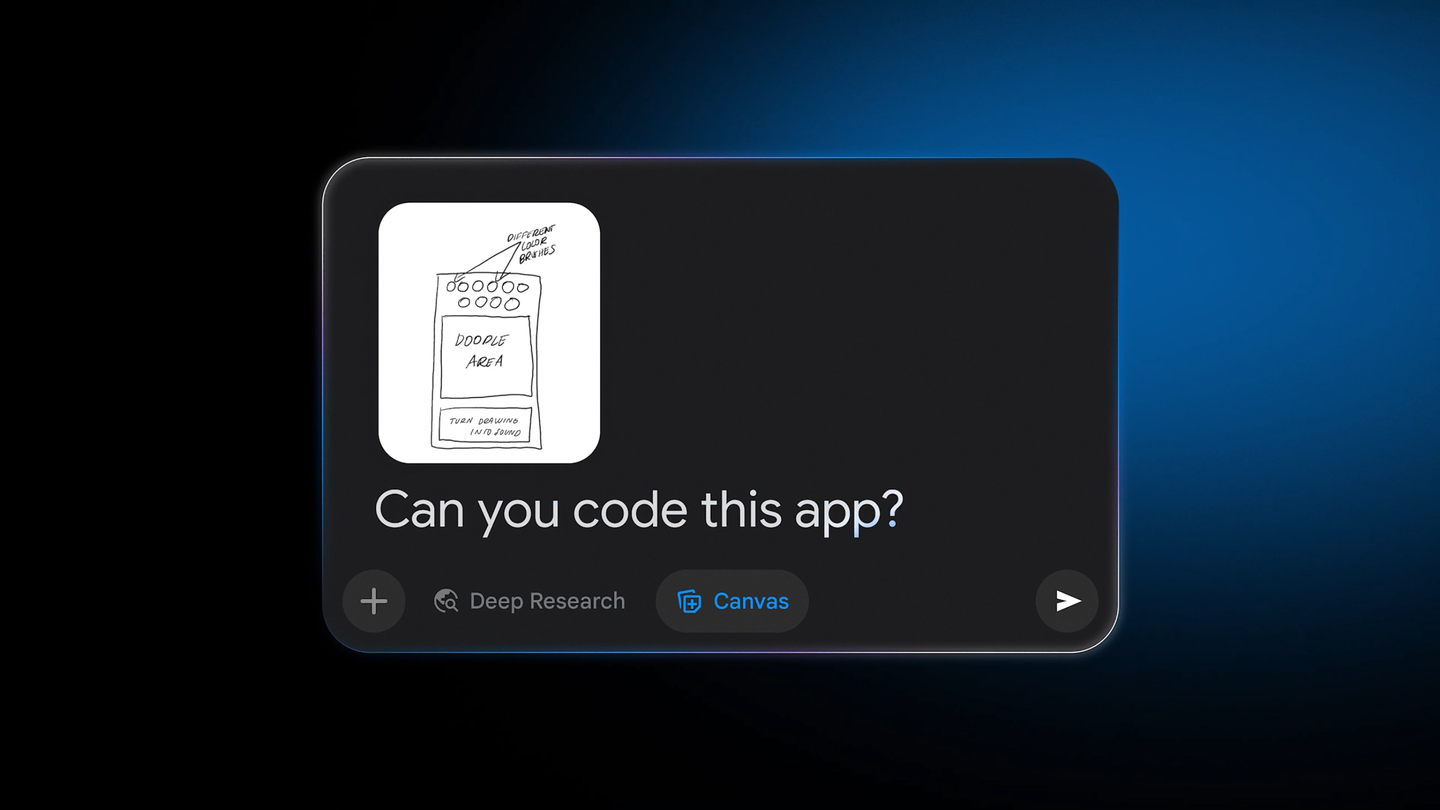
Google published a guide on November 5 showing how to turn a photo of a sketch into an interactive prototype with Canvas in Gemini. In its Gemini post, it suggests starting with a paper drawing of an app mockup, a habit tracker, or a game board.
From sketch to code and testing
The process uses Canvas, Gemini’s tool for creating and testing the result. Google describes how to upload a photo of the drawing, select Canvas, and ask, “Can you code this app?” Gemini interprets the image and writes the code to turn it into an interactive tool.
You can test the result in the preview window. Based on that test, you can request real-time changes to colors, fonts, or features, refining the initial sketch through additional prompts to Gemini. (blog.google)
Source
Plan your next post in HeyMark.
Keep the idea, review the draft with your team, and see how it performed in the accounts you connected.