Blog
Title tags and meta descriptions: examples for Google
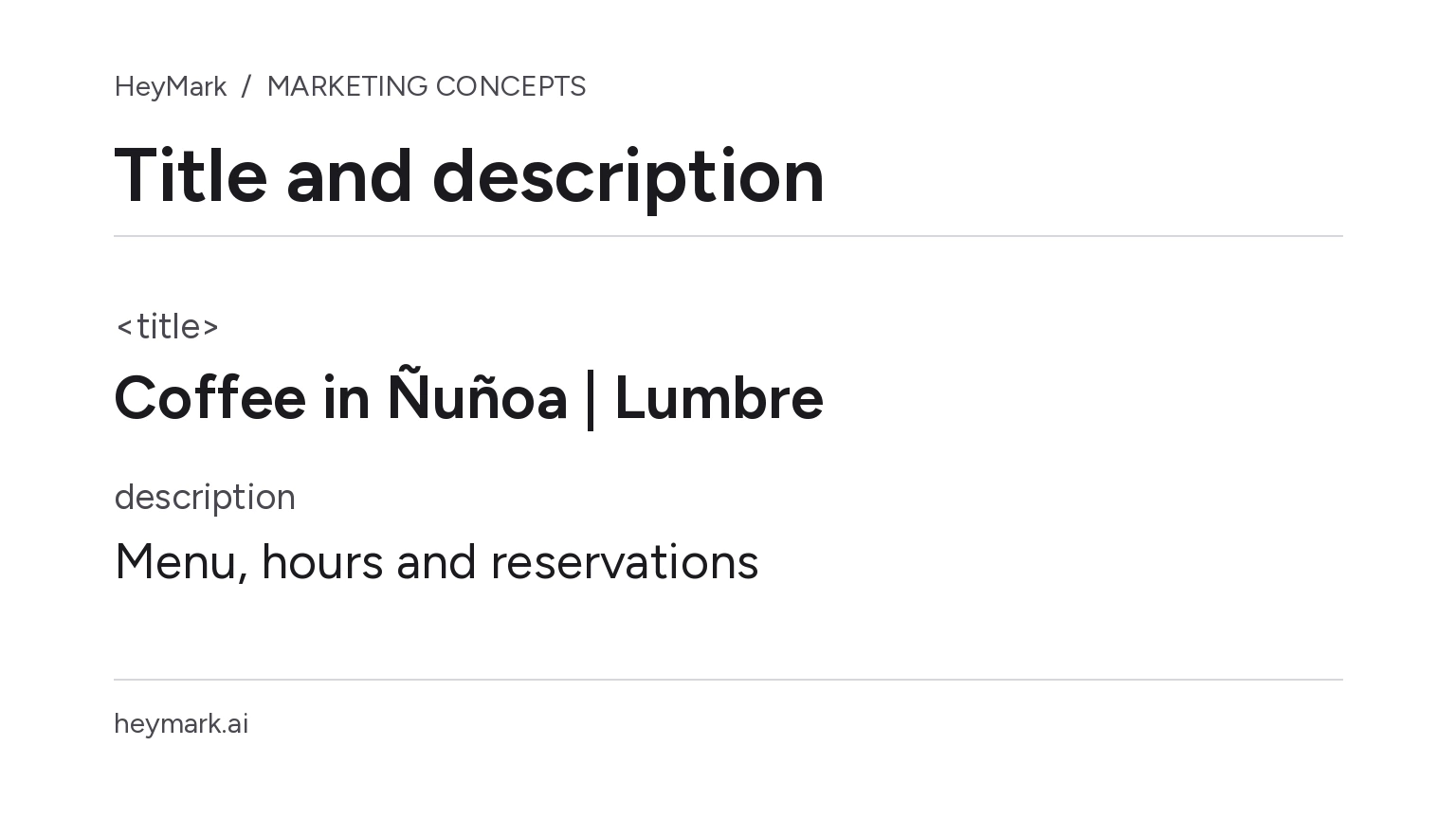
A title and description help represent a page in search results. The title often informs the main clickable link; the description may provide a summary. Neither guarantees that Google will display the exact text you wrote.
The <title> is an HTML element in the document, distinct from the meta description and the visible <h1> heading. It makes sense for all three to describe the same page in natural language, but they do not need to be identical. Google may build a title link from other page signals when it considers them a better representation. Google explains how it generates title links.
A before-and-after example
In this hypothetical example, Lumbre café has a page containing a menu, address, Tuesday-through-Sunday hours, and a reservation button. The HTML currently says:
<title>Home | Lumbre</title>
<meta name="description" content="Welcome to our site. Learn more about us and everything we have for you.">
<h1>Specialty coffee in Ñuñoa</h1>
The title is generic and the description does little to distinguish this page. A more informative version, provided those details remain visible and current on the page, could be:
<title>Specialty coffee in Ñuñoa | Lumbre</title>
<meta name="description" content="See the menu and opening hours for Lumbre, a specialty coffee shop in Ñuñoa. Open Tuesday through Sunday; reserve a table here.">
<h1>Specialty coffee in Ñuñoa</h1>
The revision identifies the topic and business; the description summarizes useful information and an available action. Do not add “best coffee,” “open every day,” or an offer the page cannot substantiate. And do not use a meta description to promise rankings or more clicks: it is a summary suggestion, not control over the result.
Why might Google show different text?
Google generates title links automatically from several signals, which may include the <title>, the visual title, headings, and prominent page text. If a title is inaccurate, repetitive, or inconsistent with the content, Google may choose different wording. Give each URL a specific title and check that it agrees with the visible heading and page content.
A snippet can also vary by query. Google may select text from the page that better answers that search; sometimes it uses the meta description when that text is useful and representative. Write a description for important pages, but make sure the visible content supports every claim. Google’s snippet documentation describes this selection.
A practical review
Before publishing, check that each URL has a descriptive, unique <title>, its description summarizes that specific page, and details such as hours, location, price, or availability are current. Read the result alongside the actual page: if someone arrives expecting to book and cannot find how, the text has created a false expectation.
Do not chase a rigid character limit as if it were a Google rule. A title may be truncated depending on available space and device; a snippet may change in length or selection. Clarity and accuracy matter more than filling a quota.
After publishing, compare the queries and pages receiving impressions in Google Search Console. Record the edit date and compare equivalent periods; position and query mix can also change CTR.
Plan your next post in HeyMark.
Keep the idea, review the draft with your team, and see how it performed in the accounts you connected.