Blog
Google AI Pro: available models and where to use them
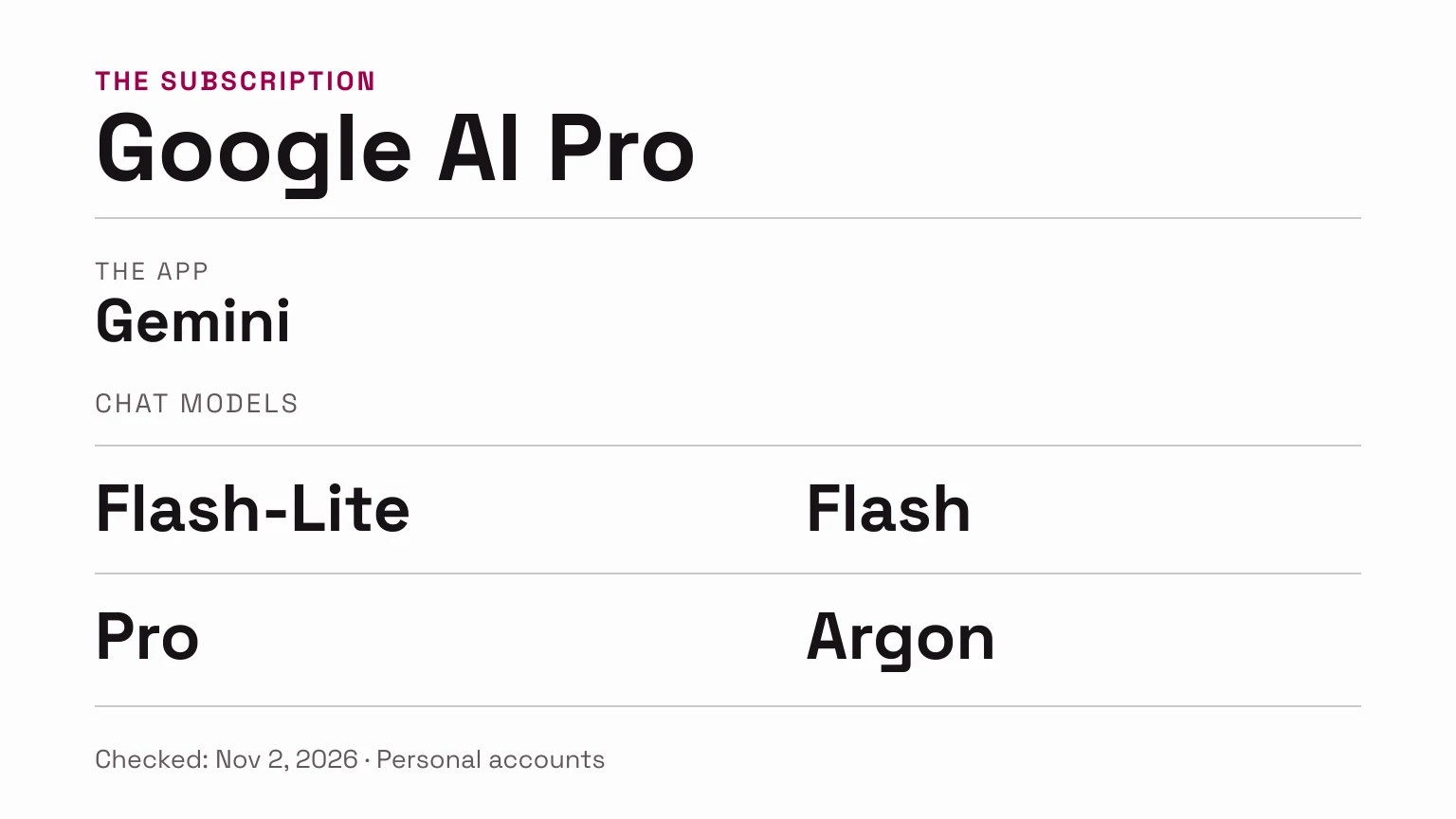
Google AI Pro includes Flash-Lite, Flash, Pro and Argon for chats in the Gemini app, according to the official catalog checked on November 2, 2026. For Tasks, the table lists Flash and Argon. This answer applies to personal Google Accounts; work and school licenses follow separate terms.
Google AI Pro is a subscription, while Gemini Pro is a model. Google’s apps have their own model selectors and access conditions; the API also has its own billing.
Which Gemini models are available with Google AI Pro?
Google’s Gemini model table distinguishes Chats from Tasks:
| Model | Available modes with AI Pro |
|---|---|
| Flash-Lite | Chats |
| Flash | Chats and Tasks |
| Pro | Chats |
| Argon | Chats and Tasks |
Gemini Help uses the labels Flash-Lite, Flash, Pro and Argon; the subscription page identifies the last of these as Gemini 4 Argon.
Are “Gemini AI Pro” and “Google AI Pro” the same thing?
If you use “Gemini AI Pro” to mean the subscription, the plan name to check in Google One is Google AI Pro. If your selector says “Pro,” that is a model. A thinking level is another setting: it controls how the model works.
If you have Google AI Pro and choose Flash in Gemini, you’re still a Pro subscriber.
Benchmark: Google models compared with Opus 5.5
To compare capability, we use Artificial Analysis Intelligence Index v5.0. The chart brings together specific versions of Argon, Flash and Flash-Lite, with Claude Opus 5.5 as an additional reference. The vertical axis shows capability and the horizontal axis shows average API cost per task. Each point is a published configuration; lines connect configurations of the same model.
API-evaluated versions do not automatically identify chat labels or establish Google AI Pro access.
Index v5.0 · points ↑
Weighted average cost per task · USD →
Select a point to inspect its configuration and source.
Gemini 4 Argon · HighView result
- Index points
- 50
- USD per task
- USD 7.68
Gemini 3.1 Pro Preview: has no v5.0 index or suite cost published in this snapshot; it is not plotted as zero.
Lines join measured configurations of the same model; they do not predict intermediate results. A model with one measurement appears as a point.
Data and sources for all eight measurements
| Evaluated model | Configuration | Index points | USD per task |
|---|---|---|---|
| Gemini 4 Argon | High | 50 | USD 7.68 |
| Gemini 3.8 Flash | Medium | 30 | USD 6.26 |
| Gemini 3.8 Flash | High | 31 | USD 7.77 |
| Gemini 3.5 Flash-Lite | No level in label | 12 | USD 0.69 |
| Claude Opus 5.5 | Medium · default fallback | 48 | USD 2.45 |
| Claude Opus 5.5 | High · default fallback | 52 | USD 3.46 |
| Claude Opus 5.5 | Xhigh · default fallback | 57 | USD 6.05 |
| Claude Opus 5.5 | Max · default fallback | 58 | USD 10.04 |
| Gemini 3.1 Pro Preview | No level in label | No data | No data |
A composite of nine evaluations, primarily in English; it is not a percentage of correct answers. Cost belongs to these API tasks, not a Gemini subscription.
High, Max and default fallback are AA configurations, not equal reasoning budgets.
Points higher and further left combine a higher index with a lower cost on this suite. Compare the full configuration: Opus uses default fallback at several effort levels. This technical index, primarily evaluated in English, does not establish which model will write better content in another language.
How to select a model and check which one answered
According to Google Help, you can switch models by selecting the model name below the prompt box. You can also choose Low, Medium or High thinking where supported. To find out which model generated an answer, open its menu and look for See response details. This is more reliable than asking the chat to identify itself. Official instructions.
Automatic selection chooses which model handles each request; you can check which one answered in those same response details.
Deep Research is a research feature with its own availability and limits. It does not add another model to the chat selector. Gemini features and limits.
Unsure which of two models to use? Give both the same task: turn a product catalog into three draft social posts while preserving prices and conditions. Use fresh chats, identical source material and instructions, and the same thinking level where both support it. Record the model and the corrections each answer needs. Use those results to guide your choice for that task.
Image generation in Gemini and models in Flow
For images in Gemini, AI Pro Help lists Nano Banana 2 for generation and Nano Banana Pro for redoing images. These image options are separate from the chat selector.
For Flow, the plan page lists access to Gemini Omni Flash and Flow credits. Those credits apply to Flow, not to Gemini chat messages.
Can Google AI Pro users access Claude or OpenAI models?
You can use Claude in Antigravity with paid Pro. The Antigravity model catalog lists Gemini 3.8 Flash, Gemini 4 Argon, Claude Sonnet 5.5 (Thinking) and Claude Opus 5.5 (Thinking) for Pro. Claude 5.5 requires a non-trial subscription; Argon supports paid Pro or trials on eligible premium devices.
This does not add Claude to the Gemini app’s chat selector, or provide a direct Claude or ChatGPT subscription. Access belongs to the product that offers it.
Antigravity announces the removal of Claude Sonnet 4.6, Claude Opus 4.6 and GPT-OSS-120B for November 2, without giving a time. An earlier list or screenshot containing GPT-OSS does not guarantee that you can use it with Pro today.
The documentation covers Antigravity App, CLI and IDE; check your client’s model selector and usage rules.
Does AI Pro include Gemini API usage at no extra cost?
Google AI Pro offers higher AI Studio limits for Gemini 4 Argon and Nano Banana Pro. Google One also includes Google Developer Program Premium, with USD 10 in monthly Google Cloud credits. The documentation reviewed does not confirm that those credits automatically apply to Gemini API calls. Official Pro benefits.
Before integrating a model into a website or automation, check the project and its Gemini API billing account: available model, usage tier (Billing Tier), limits and payment method. If you plan to use a credit benefit, check its activation, whether it applies to the project and when it expires.
How many messages can I send with Google AI Pro?
Current help describes compute-based limits: prompt complexity, the model, features and conversation length affect consumption. Usage refreshes every five hours until you reach the weekly limit; there is no fixed message count that applies to every task. A long context can consume more even when the answer is short. Usage limit source.
Google says you can continue with Flash-Lite after reaching your plan’s limit. To check when access refreshes, look at Settings → Usage limits and the notice in your account. Do not apply that counter to Flow, Antigravity or API as if they all shared one balance.
I have Pro, but a model is missing: what should I check?
- Account: confirm you are signed into the email address with the subscription. For work or school, check your Workspace license; the personal account catalog does not replace its terms.
- Product: distinguish Gemini, Antigravity, AI Studio and an API call. Compare your selector with the documentation for that app.
- Eligibility: check whether you have a paid subscription, trial or promotion. Antigravity’s Argon exception for certain devices does not apply to every trial.
- Remaining usage: look for a reached limit, its reset time or an answer that fell back to Flash-Lite.
- Availability: check country, age requirements, client and rollout notices. Google AI Pro availability in a country does not guarantee every plan feature there.
If it is still missing, record the plan and product names, your client version and a screenshot of the selector without personal details before contacting support. Do not share passwords or API keys.
If you also want to connect Gemini to HeyMark, follow the connection guide.
Plan your next post in HeyMark.
Keep the idea, review the draft with your team, and see how it performed in the accounts you connected.